SmartTube Hacked and Distributing Malicious Updates
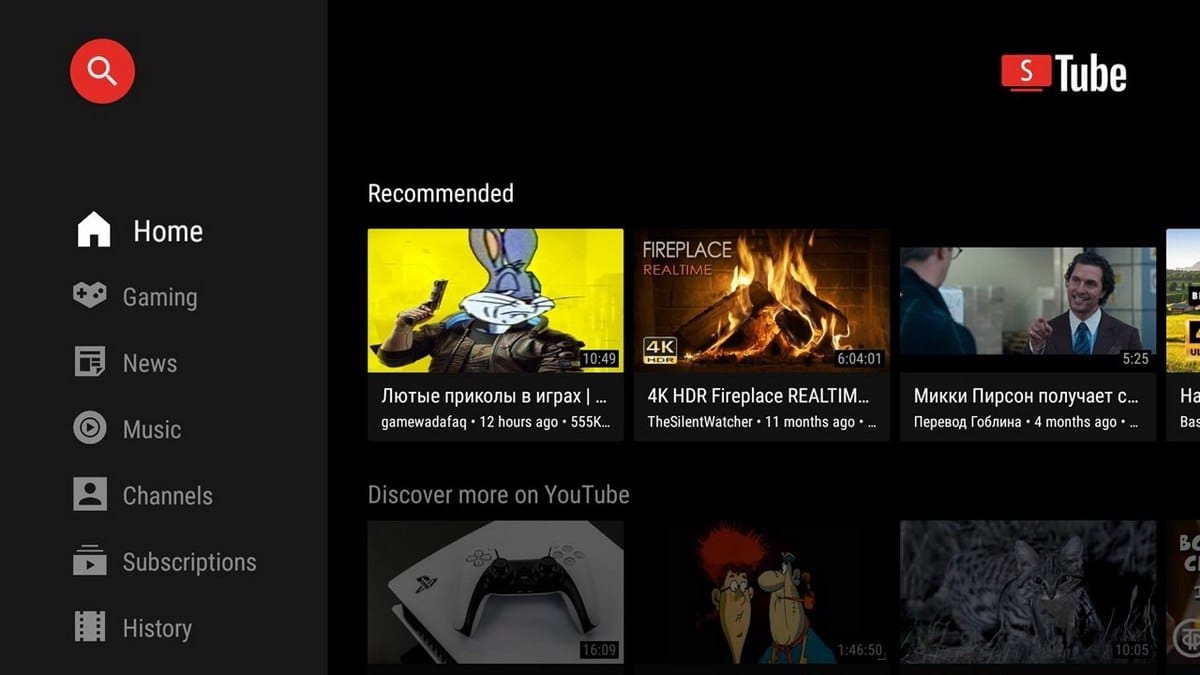
A popular open-source YouTube client for TV platforms has been compromised, with attackers embedding malware into official updates through stolen signing keys.
SmartTube, a free YouTube client for Android TV and Fire TV devices, attracts millions of users with its ad-blocking features and smooth performance on low-powered hardware. These same qualities have made it one of the most downloaded third-party YouTube apps for television platforms.
The breach came to light late last week after Android's Play Protect system began blocking SmartTube installations and warning users of threats. The number of affected users remains unknown.
The Attack Vector
SmartTube developer Yuri Yulisov confirmed that his signing keys were compromised, allowing attackers to distribute malware through legitimate update channels. Security researchers analyzing the infected version (30.51) discovered a suspicious library—libalphasdk.so—that doesn't appear in the project's public source code.
Yulisov confirmed the malicious component is not part of his project and is unrelated to any tools he uses.
How the Malware Operates
The malicious library runs without user interaction, operating in three stages:
- Collects device information
- Registers devices on a remote server
- Maintains encrypted communication channels for data exchange
Users see no visible signs of infection. While no account theft or botnet activity has been documented, researchers warn the malware's architecture allows attackers to remotely activate additional functions.
Developer Response
Yulisov has revoked the compromised signing keys and is preparing a new version with a different app ID. He has already released a secure beta version and stable test build through his Telegram channel, with plans to publish a full incident analysis after the new version reaches F-Droid.
Per Bleeping Computer, the lack of detailed information has raised questions in the community. Yulisov assured users he will provide a complete breakdown once the clean version is available.
What Users Should Do Now
Immediate actions:
- Avoid the current version – Use trusted older builds (version 30.19 reportedly passes Play Protect checks)
- Disable automatic updates – Wait for the verified clean release
- If you installed version 30.51:
- Change your Google account password immediately
- Review your account activity for suspicious access
- Remove any unfamiliar connected services
- Avoid logging into premium accounts through the app until the issue is resolved
Unanswered Questions
The timeline of the compromise remains unclear. Investigators have not determined when the signing keys were stolen or which specific versions contain the malware beyond the confirmed infected build (30.51).