New Outlook Fails to Open Excel Attachments with Non-ASCII Characters
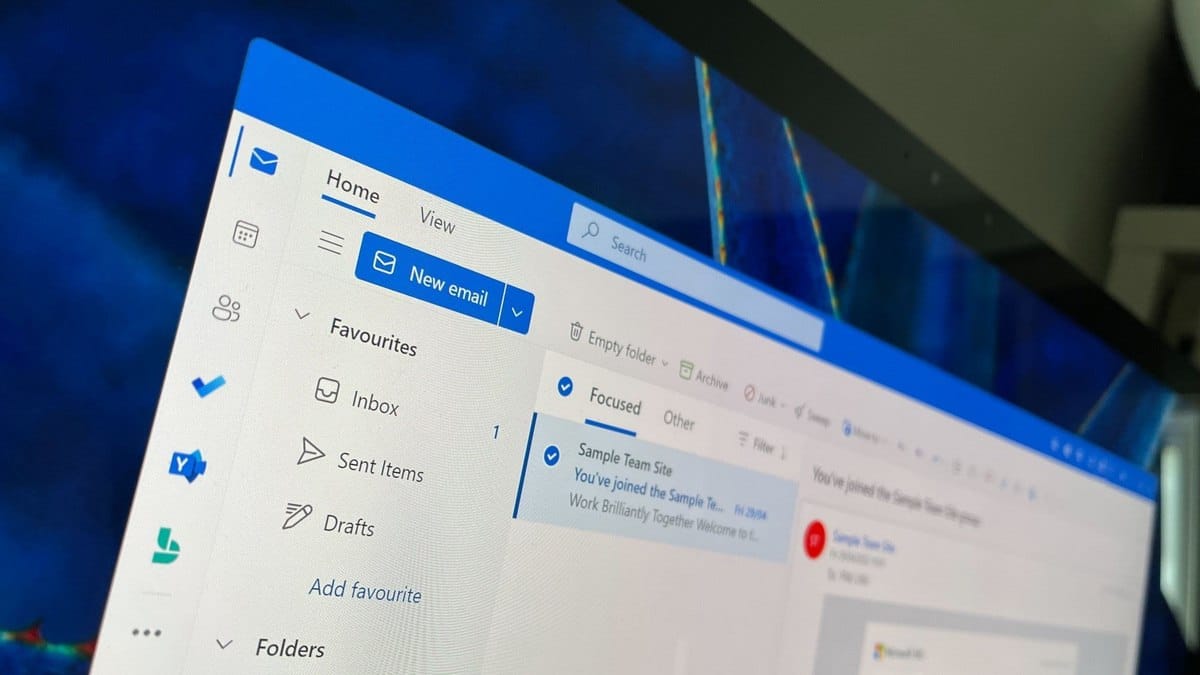
Microsoft is working to fix a bug preventing Excel files from opening in the new Outlook client. The issue surfaced on November 23, 2025, affecting some Exchange Online users.
Per advisory EX1189359, developers have deployed a fix and identified the root cause: incorrect encoding processing in file names containing non-ASCII characters. Users attempting to open affected attachments receive the error message "Try opening the file again later." Microsoft has not disclosed how many users the bug impacts.
The problem extends beyond Excel files. Any attachment with file names containing characters outside the ASCII character set may fail to open.
"Any user may be unable to open Excel files attached to emails in the new Outlook if the attachment's name contains non-ASCII characters," Microsoft stated in its advisory.
On December 1, 2025, developers confirmed they created a fix addressing the missing encoding in file-opening requests. The company is validating the deployment and investigating why the error occurred.
The fix remains unavailable to all affected users. Microsoft recommends temporarily using the web version of Outlook or downloading files to disk and opening them locally.