Microsoft: Windows Update Hides Password Login Button
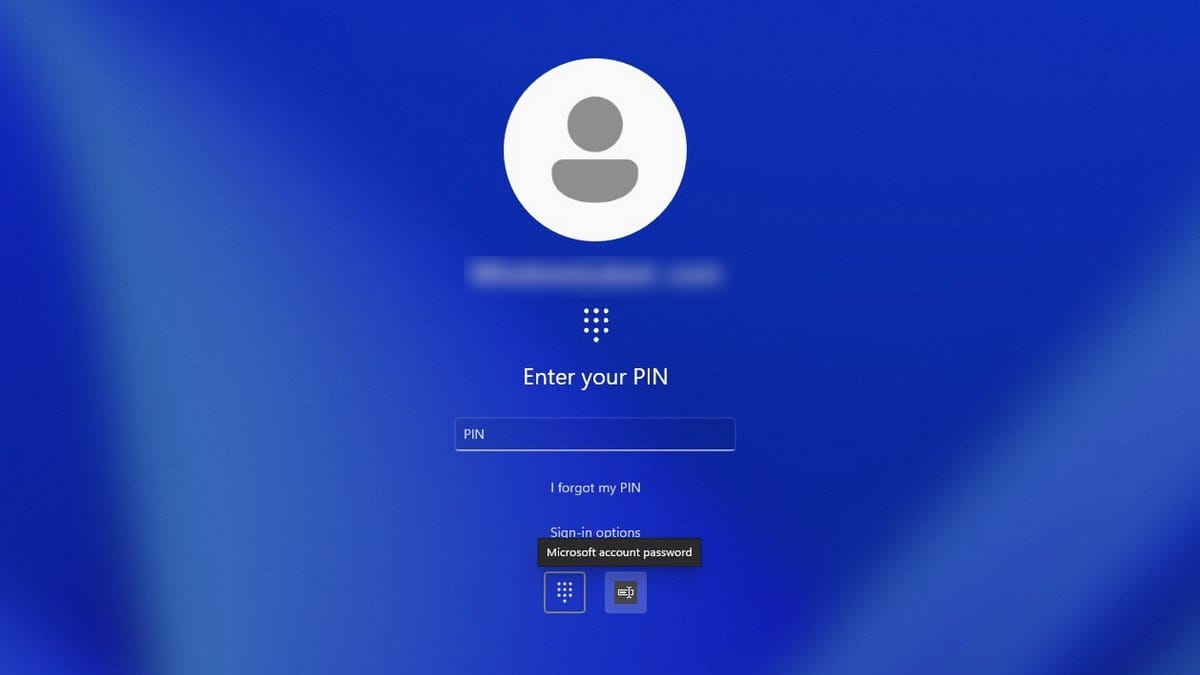
Microsoft acknowledged a new problem affecting Windows 11 users who installed recent updates: the password authentication button vanishes from the lock screen, though the login method still functions.
The issue stems from how Windows 11 displays authentication options. The system only shows a password icon when multiple sign-in methods are configured—PIN, security key, password, or fingerprint. When password authentication is the sole option, Windows displays a simple input field without any icon.
After installing the optional update KB5064081 (released in August 2025) or any subsequent updates for Windows 11 versions 24H2 and 25H2, users who have multiple sign-in methods enabled may find the password icon missing from their lock screen.
Microsoft confirmed the button hasn't actually disappeared—it's just invisible. Moving the cursor over the empty space where the icon should appear and clicking will activate the password input field, allowing normal sign-in to proceed.
"If you hover your cursor over the spot where the icon should be, you will see that the password entry button is still available," Microsoft's developers explained. "Click on this area to open the input field and enter your password. After that, you will be able to sign in as usual."
Microsoft hasn't offered alternative workarounds beyond using the invisible button. The company stated they're working on a fix but provided no timeline for when the patch will be released.
This isn't the first problem caused by update KB5064081. In late September, Microsoft resolved another bug from the same update that caused DRM video playback issues in Blu-ray, DVD, and digital TV applications—resulting in interruptions, freezes, or black screens during viewing.