GreyNoise Launches Free Scanner to Check IP Addresses for Botnet Involvement
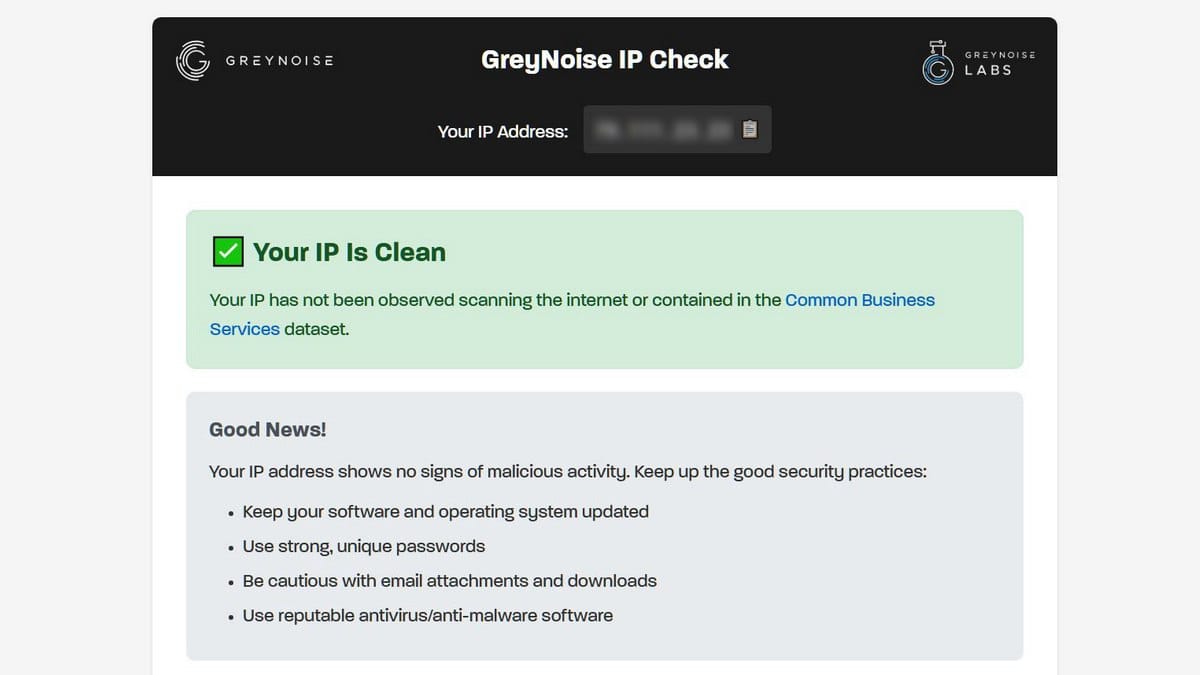
Cybersecurity company GreyNoise launched a free service called GreyNoise IP Check, which allows users to check if a specific IP address has been spotted as part of botnets or used as a residential proxy.
Per GreyNoise specialists, the problem has grown to serious proportions over the past year: many users are unaware that their devices are compromised and are helping threat actors carry out harmful activities.
"Residential proxy networks have experienced a real boom over the past year, turning home internet connections into exit points for others' traffic," GreyNoise representatives stated.
How Devices Get Compromised
Per the specialists, sometimes people consciously install software that allows their connection to be used in exchange for a small fee. More often, malware infiltrates devices unnoticed—for example, through suspicious applications or browser extensions.
Researchers note that other methods exist to determine if a device has become part of a botnet: one can dig through logs, check configurations, analyze network traffic, and activity patterns. However, a simple IP address check is a much less invasive method.
How the Service Works
The new service provides visitors with one of three verdicts: Clean (all clear), Malicious/Suspicious (the IP has been observed in scanning activity, the network should be checked), or Common Business Service (the address belongs to a VPN, corporate network, or cloud where such activity is normal).
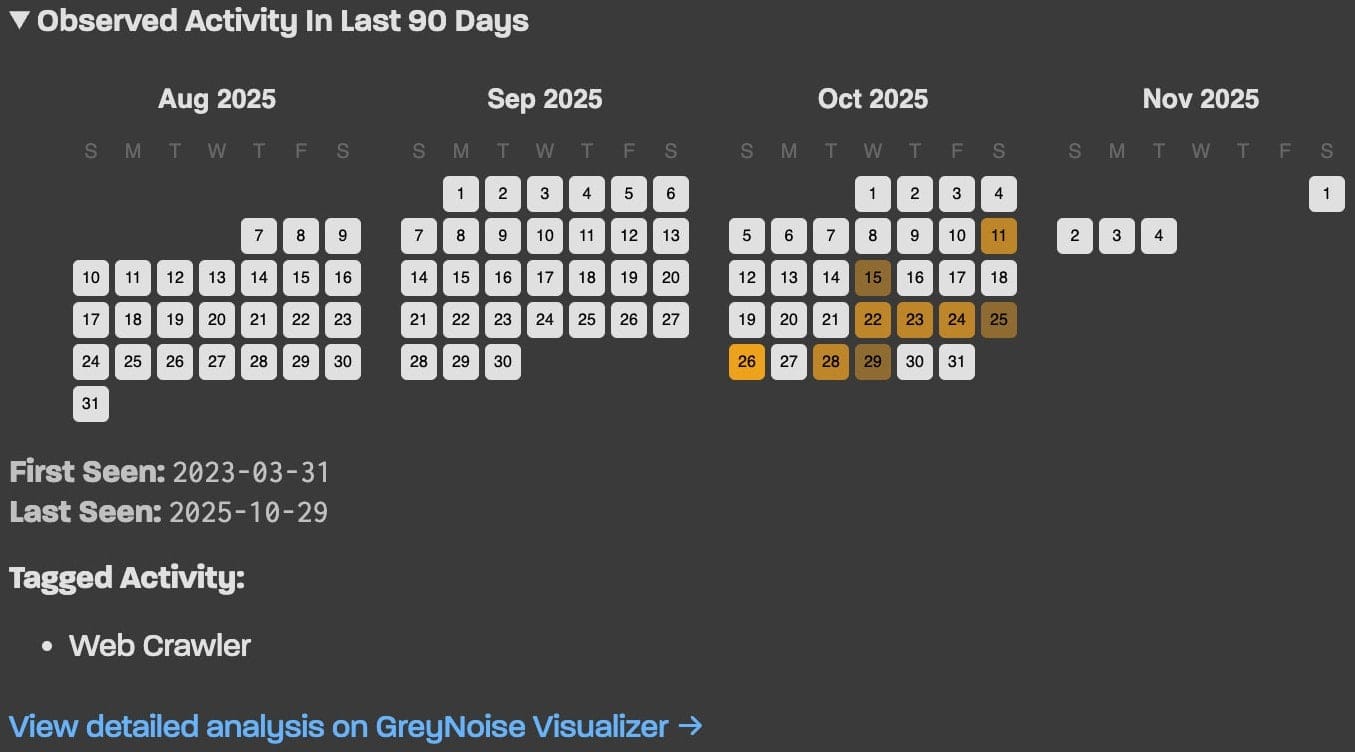
If suspicious activity is detected, the platform displays a history from the last 90 days, which can help determine when and how the device was infected. For advanced users, GreyNoise offers a JSON API with no authentication requirements or rate limits. It can be called via curl and integrated into scripts or monitoring systems.
Remediation Steps
If the check shows a Malicious/Suspicious status, specialists recommend starting an investigation by running antivirus scans on all devices on the network. Particular attention should be paid to routers and smart TVs.
The company also advises updating device firmware to the latest versions, changing administrator credentials, and disabling remote access features if they are not in use.